
December 26, 2025
WP Rocket Plugin Review: Performance Optimization for WordPress
 Published by admin
Introduction:
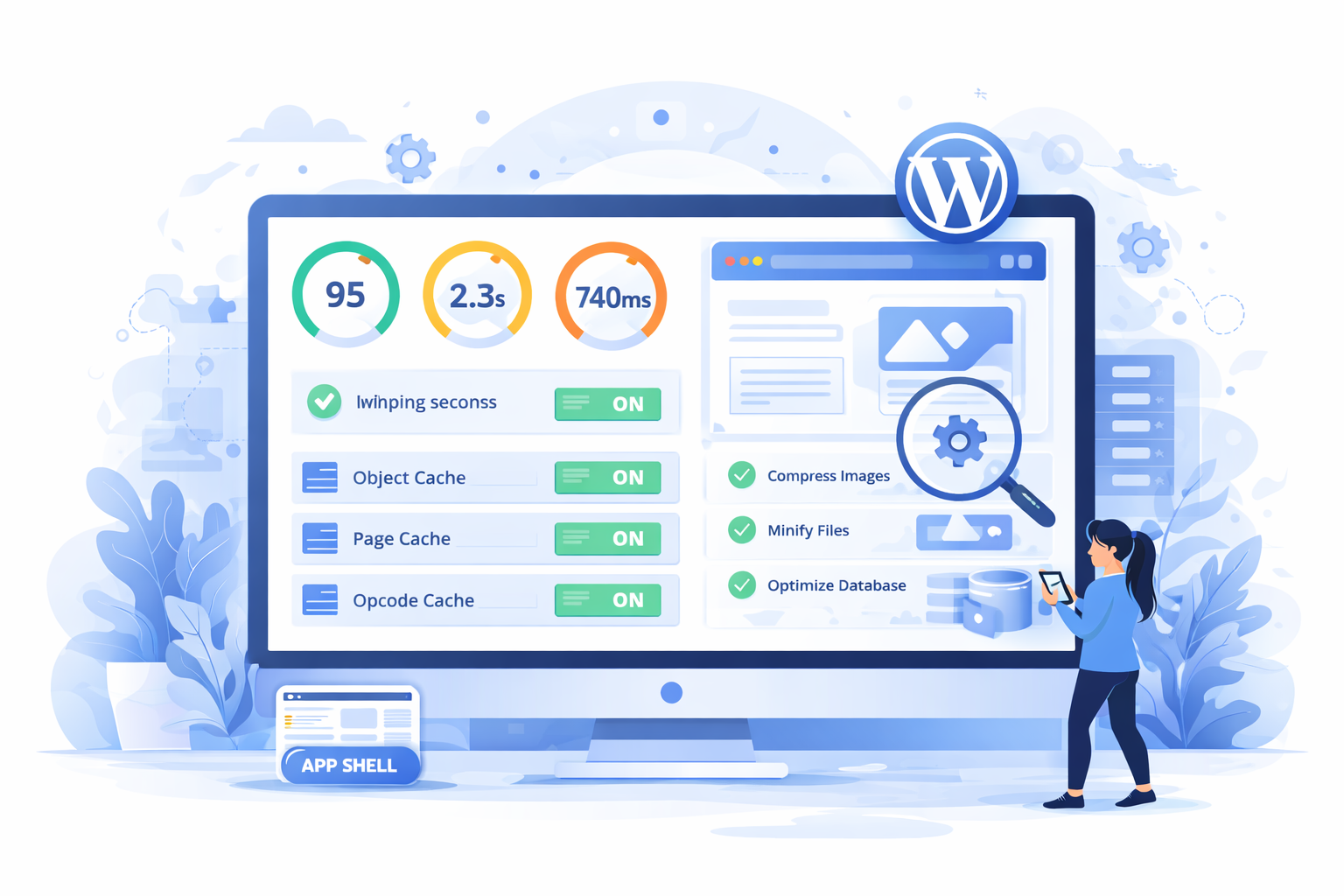
WP Rocket plugin review WordPress searches are common among site owners looking to improve performance without complex configuration. WP Rocket is a premium caching and performance optimization plugin designed to speed up WordPress websites through smart defaults and advanced optimization features. This review examines how WP Rocket works, its core features, performance impact, and whether it is worth using for modern WordPress sites.
WP rocket plugin review wordpress: core features overview
WP Rocket focuses on improving site speed by reducing page load times and optimizing asset delivery. Once activated, it automatically enables page caching, browser caching, and gzip compression without requiring manual setup. This makes it suitable for developers and non-technical users alike.
Additional features include CSS and JavaScript minification, deferred loading of scripts, lazy loading of images and iframes, database optimization, and CDN integration. WP Rocket also supports delay of JavaScript execution, which helps improve Core Web Vitals, especially Largest Contentful Paint (LCP) and Interaction to Next Paint (INP).
WP Rocket Caching and File Optimization Capabilities
Caching is the foundation of WP Rocket’s performance improvements. The plugin generates static HTML files and serves them to visitors, significantly reducing server processing time. File optimization options allow developers to combine and minify CSS and JavaScript files, reducing HTTP requests and payload size.
The plugin also provides fine-grained control over exclusions, enabling compatibility with dynamic content such as logged-in user pages, WooCommerce carts, and membership sites.
WP Rocket Performance Impact and Real-World WordPress Usage
In real-world scenarios, WP Rocket consistently delivers noticeable speed improvements. Sites often experience reduced load times, improved PageSpeed scores, and better user experience after activation. The plugin is especially effective on shared hosting environments where server resources are limited.
WP Rocket integrates well with popular hosting providers and works alongside server-level caching solutions. When combined with a CDN, it further improves global performance by serving assets from edge locations closer to users.
WP Rocket WordPress Review: Ease of Use and Developer Experience
From a usability perspective, WP Rocket excels. The interface is clean, well-documented, and designed to minimize configuration complexity. Developers benefit from hooks and filters that allow customization of caching behavior, script exclusions, and preload logic.
Automatic cache preloading ensures new content is cached immediately, preventing performance drops after publishing updates. The plugin also includes heartbeat control to reduce unnecessary admin-ajax requests.
WP Rocket Review: Cost, Advantages, and Limitations
WP Rocket is a paid plugin with tiered pricing based on the number of sites. While it is more expensive than free caching plugins, the value lies in its ease of use, support quality, and consistent performance results.
Potential limitations include the lack of a free version and limited granular control compared to manual caching setups. However, for most WordPress sites, these trade-offs are acceptable given the performance gains.
Final Thoughts
This WP Rocket plugin review WordPress analysis shows that WP Rocket is one of the most effective performance plugins available. It balances powerful optimization features with simplicity, making it suitable for bloggers, businesses, and developers alike. If improving site speed, Core Web Vitals, and overall performance is a priority, WP Rocket is a strong investment for WordPress websites.
Related FAQs
Yes, WP Rocket works out of the box with minimal configuration and clear documentation.
Yes, it includes built-in compatibility for WooCommerce carts and checkout pages.
No, but it integrates seamlessly with CDNs to enhance performance.
In most cases, yes, due to better defaults, support, and advanced optimization features.
No, it works independently of themes and core updates.